Table of Contents
KCET Application Form 2026: Eligibility, Step-by-Step Process, Fees & Documents Required
Pratham Jiwnani
2/13/2026
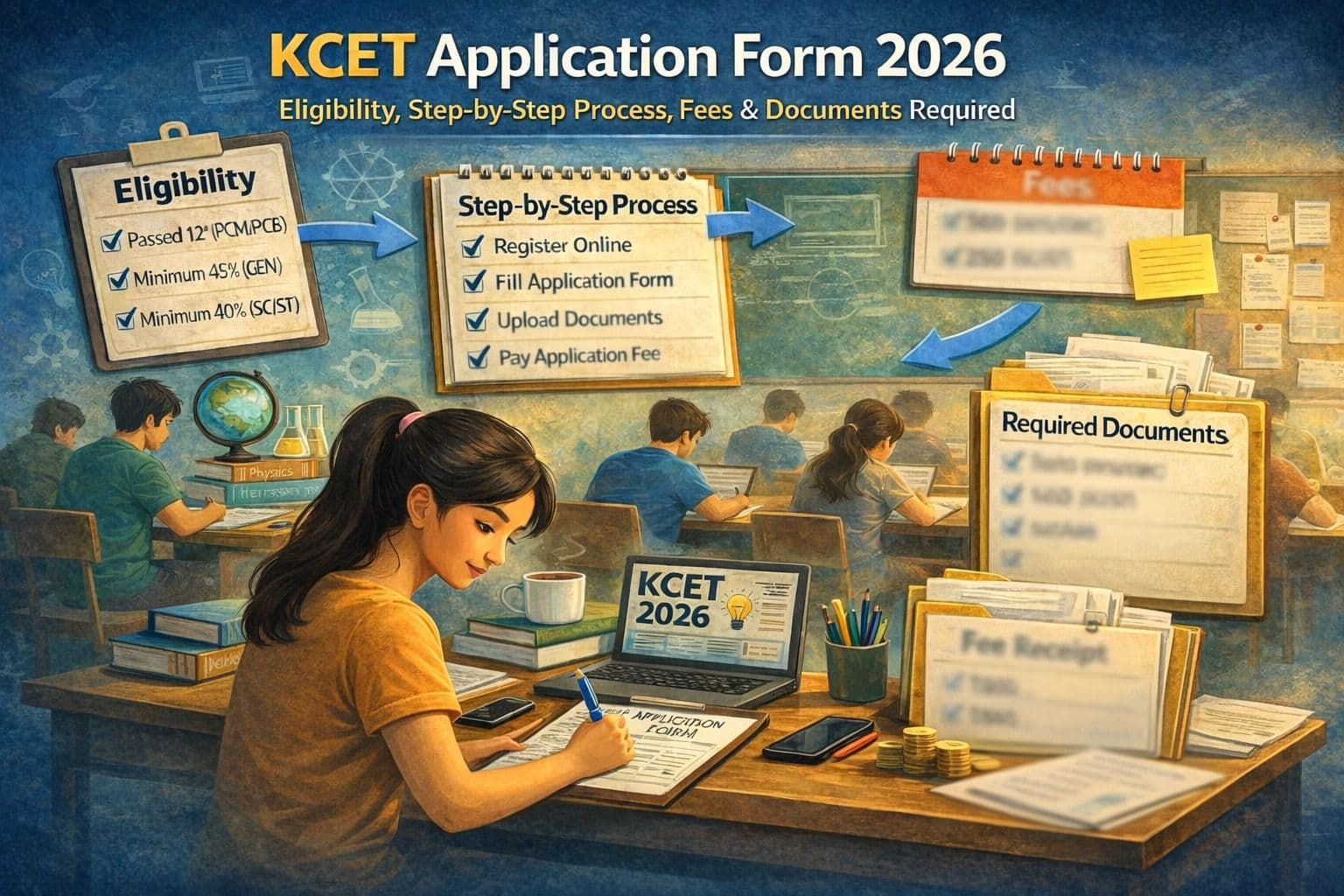
Filling the KCET Application Form 2026 is more than just registration - it is your official entry into Karnataka’s professional admissions system. Every year, thousands of students lose opportunities not because they lack preparation, but because they make avoidable errors while submitting the form.
Incorrect marks entry, wrong document uploads, category mistakes, and last-minute submissions are among the most common issues.
If you want a smooth and stress-free experience, this expert-verified KCET form filling guide explains everything clearly - including eligibility, documents, fees, upload rules, correction window, and mistakes to avoid.
What is KCET 2026?
The Karnataka Common Entrance Test (KCET), officially known as UGCET (Undergraduate Common Entrance Test), is conducted by the Karnataka Examinations Authority (KEA).
KCET is held for admission into undergraduate professional courses in Karnataka such as:
- Engineering (B.E. / B.Tech)
- Pharmacy
- Agriculture courses
- Veterinary sciences
- Allied health science programs
Without completing the KCET online registration process, students cannot appear for the exam or participate in counselling.
What is the KCET Application Form 2026?
It is an online registration form released by KEA for students seeking admission into engineering and professional courses in Karnataka.
Who is eligible?
Students who have passed or are appearing in Class 12 with Physics and Mathematics (for engineering) and meet course-specific requirements.
How to apply?
Register online, fill personal and academic details, upload documents, pay the application fee, and submit the form.
Mode of Exam:Offline (OMR-based test).
Official Website:cetonline.karnataka.gov.in (Official KEA portal)
Note: Final eligibility, fee, and dates will be confirmed after official KCET 2026 notification release.
Who is Eligible for KCET 2026?
Before starting the KCET application process, confirm eligibility carefully.
Academic Qualification
Candidates must:
- Have passed or are appearing in Class 12 / 2nd PUC from a recognized board.
- For engineering admissions:
- Physics – Compulsory
- Mathematics – Compulsory
- One optional subject (Chemistry / Biology / Biotechnology / Electronics / Computer Science)
Subject combination is critical. Incorrect subject eligibility can result in disqualification during verification.
Minimum Marks Requirement
Generally required:
- General category – 45% aggregate in core subjects
- Reserved categories – 40% (as per relaxation rules)
Exact percentage criteria will be confirmed in official KCET 2026 notification.
Domicile & Study Requirement
Certain reservation categories apply only to students satisfying Karnataka domicile or study conditions. Valid supporting certificates must be uploaded.
What Documents Are Required for KCET Application Form?
Preparing documents in advance ensures smooth KCET online registration.
Mandatory Documents
- Class 10 (SSLC) marks card
- Class 12 / 2nd PUC marks card
- Valid identity proof
- Recent passport-size photograph
- Scanned signature
- Active mobile number
- Active email ID
Reservation Documents (If Applicable)
- Caste certificate
- Income certificate
- Study certificate
- Rural / special category certificate
Only upload valid and updated documents.
KCET Document Upload Size and Format Rules
Follow these carefully:
- Use recent color passport-size photo
- Plain, light background
- Signature must be handwritten
- Use prescribed file format
- Image must be clear and readable
Blurry or incorrect uploads can cause rejection during verification.
How to Fill KCET Application Form 2026 – Step by Step
Step 1 – Visit Official Portal
Go to the official KEA website and open the UGCET application link.
Always use the official portal only.
Step 2 – Register Account
Enter:
- Candidate name
- Date of birth
- SSLC details
- Mobile number
- Email ID
You will receive login credentials.
Step 3 – Fill Personal Details
Enter:
- Full name (exactly as per marks card)
- Address
- Parent details
- Category information
Avoid spelling variations.
Step 4 – Enter Academic Details
Add:
- Board details
- Year of passing
- Subject marks
- Registration numbers
Enter marks exactly as printed — no rounding.
Step 5 – Upload Documents
Upload:
- Photo
- Signature
- Certificates (if required)
Follow document upload size and format rules strictly.
Step 6 – Pay KCET Application Fee 2026
The KCET application fee varies by category.
Payment is made online through available payment methods.
Important: Do not close the window until payment success confirmation appears.
Step 7 – Preview and Submit
Before final submission:
- Review every field
- Verify marks
- Confirm category
- Check uploaded documents
Then submit and download the confirmation page.
Always save and print the application copy.
What is the KCET Application Fee 2026?
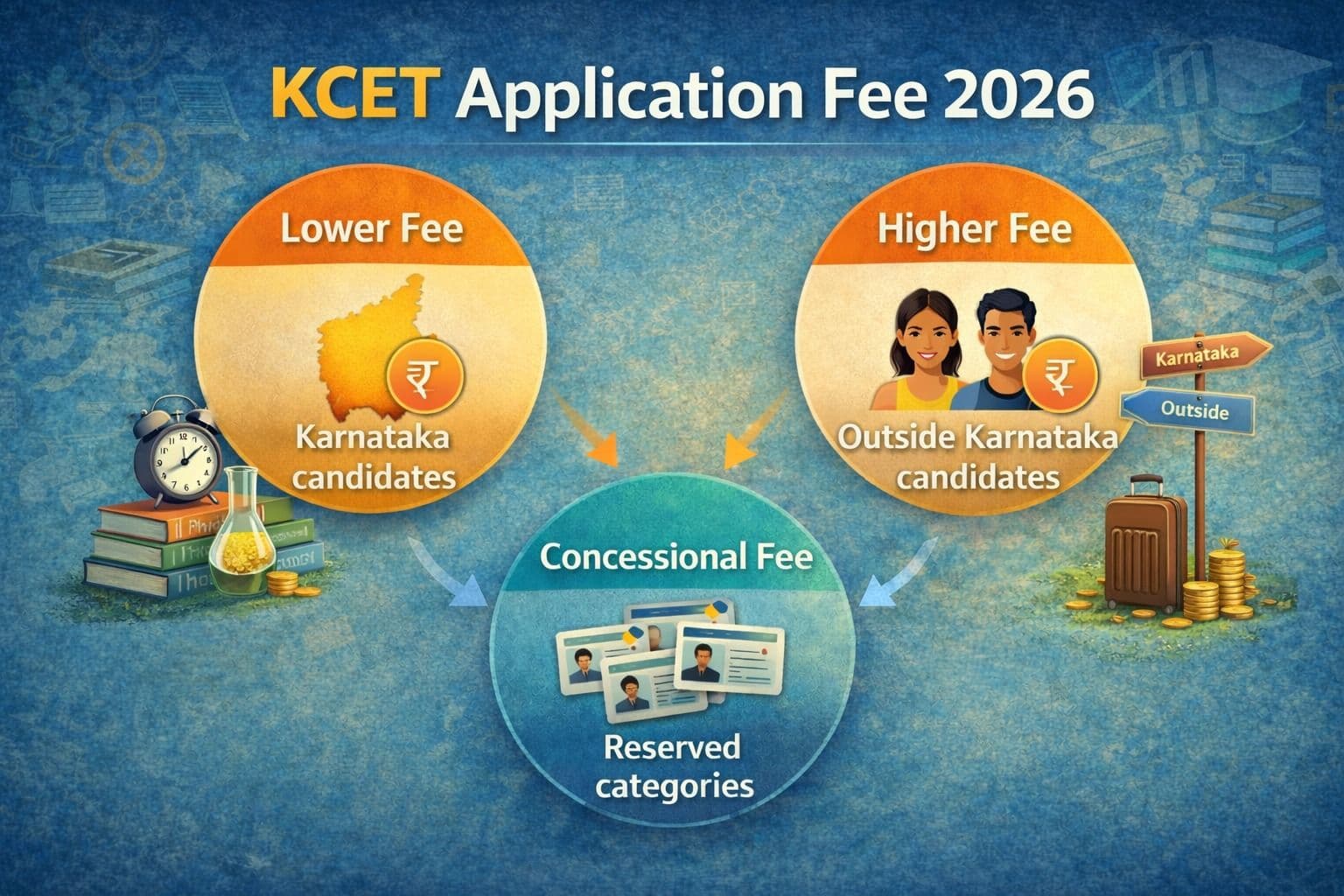
The fee depends on category and domicile status. Previous years indicate:
- Karnataka candidates – Lower fee
- Outside Karnataka candidates – Higher fee
- Reserved categories – Concessional fee
Final fee structure will be announced in official notification.
What is the Last Date to Apply for KCET 2026?
The KCET form last date will be declared by KEA in the official notification.
Why early application is smart:
- Avoid website slowdown
- Prevent payment gateway failure
- Reduce upload errors
- Get buffer time for corrections
Best practice: Apply at least one week before the deadline.
Can You Edit KCET Form After Submission?
KEA usually provides a limited correction window.
However:
- Not all fields are editable
- Category or marks corrections may be restricted
Therefore, verify thoroughly before final submission.
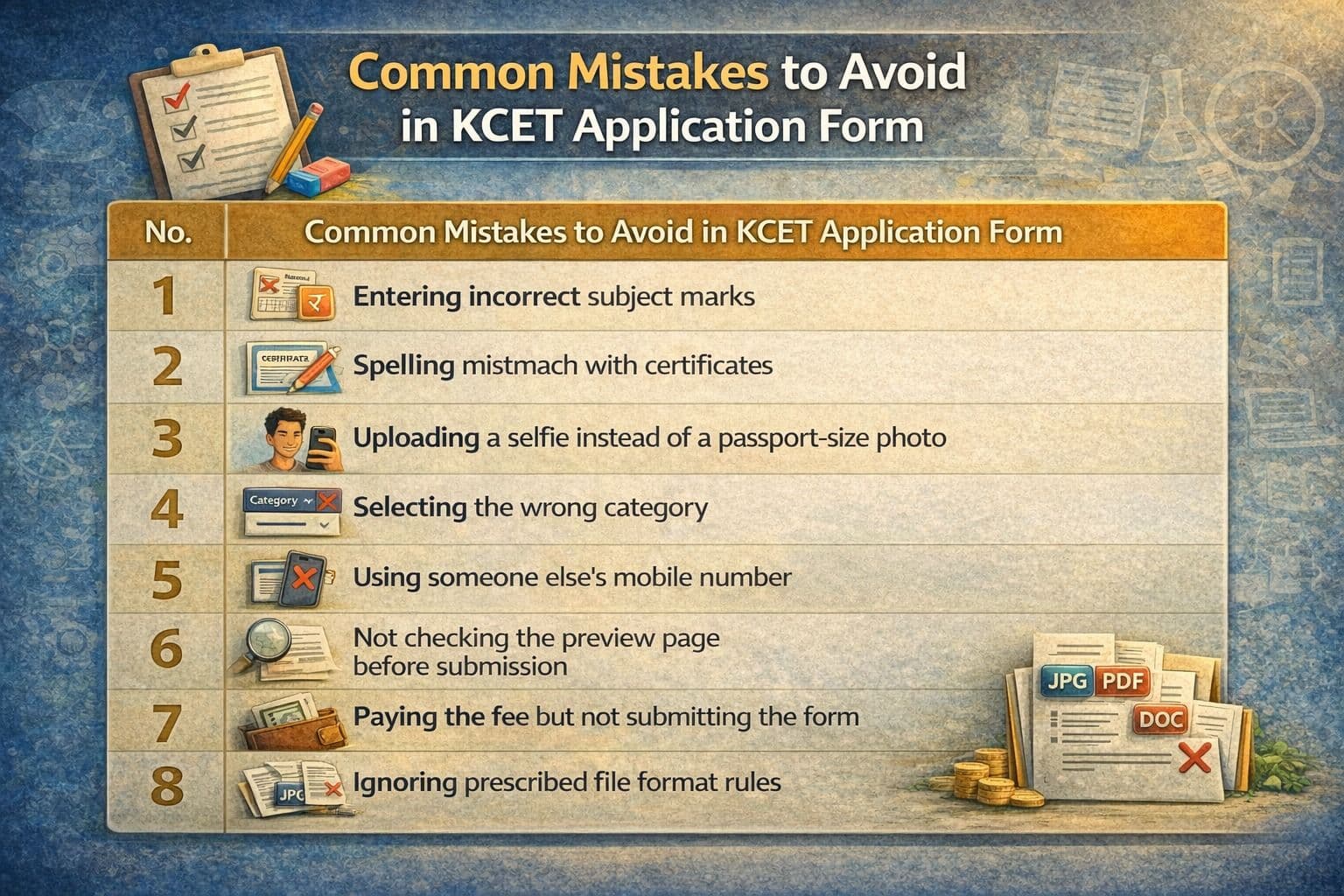
Common Mistakes to Avoid in KCET Application Form
Students frequently make these errors:
- Incorrect subject marks entry
- Spelling mismatch with certificates
- Uploading selfie instead of passport photo
- Selecting wrong category
- Using someone else's mobile number
- Not checking preview page
- Paying fee but not submitting form
- Ignoring format rules
One careful review prevents most issues.
Mentor Tips for Safe KCET Form Filling
Follow a two-round approach:
Round 1 – Entry Mode
Fill details slowly and save.
Round 2 – Verification Mode
Cross-check with original documents.
Additional tips:
- Use laptop instead of mobile
- Use stable internet connection
- Apply during non-peak hours
- Take screenshots at important steps
Conclusion
The KCET Application Form 2026 is your official gateway into professional admissions in Karnataka. A properly filled form ensures smooth admit card release and counselling participation.
Students who:
- Verify eligibility
- Prepare documents in advance
- Follow step-by-step process
- Avoid common mistakes
- Apply early
greatly reduce admission risks.
Take the application stage seriously — accuracy here protects your entire admission journey.
- KCET form is online only
- Conducted by KEA
- Check eligibility first
- Keep documents ready
- Follow step-by-step process
- Upload correct format
- Pay application fee
- Avoid last-day submission
- Verify details twice
- Save confirmation copy
FAQs – KCET Application Form 2026
How to fill the KCET application form step by step?
Register on the official portal, log in, fill personal and academic details, upload documents, pay fee, preview, and submit.
What documents are required for the KCET application form?
Class 10 and 12 marks cards, ID proof, photograph, signature, and reservation certificates (if applicable).
What is KCET application fee 2026?
The fee varies by category and will be announced in official KCET 2026 notification.
Can I edit the KCET form after submission?
A limited correction window is usually provided for specific fields only.
What are major mistakes to avoid in the KCET application form?
Wrong marks entry, incorrect document upload, category mismatch, and last-minute submission.
Categories
Join the Discussion
0 comments